
Everything your group needs.
Here's what's inside every nicebunch community. Every feature is included, nothing held back.
Here's what's inside every nicebunch community. Every feature is included, nothing held back.
Make it yours
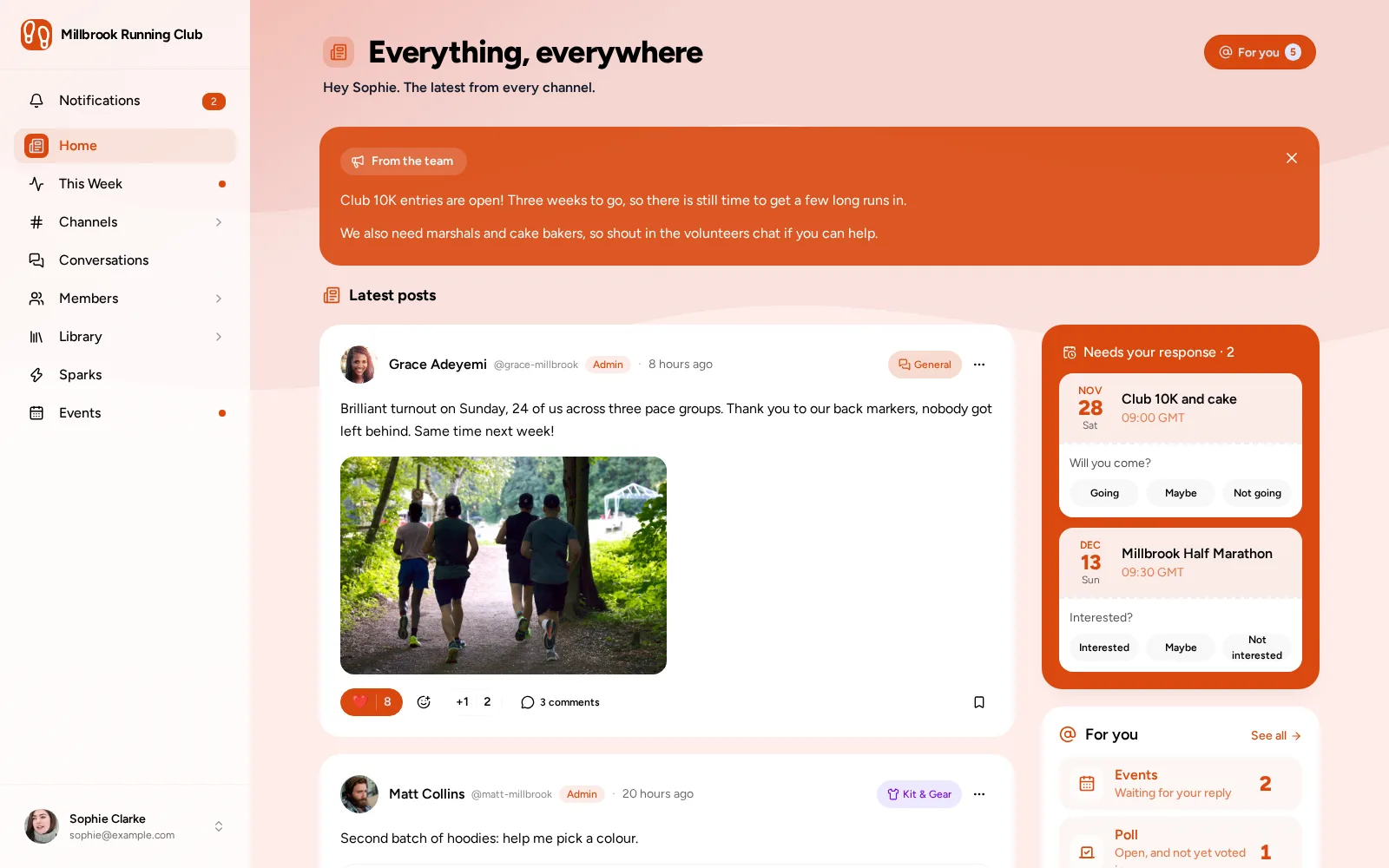
Every community gets its own address, name, logo and colour, so it feels like yours from day one. The colour in these screens belongs to our demo running club.
Your name, logo and colour
Set them when you start, add a background image if you like, and change them any time.
Nothing to download
Works in any phone browser, and sits on the home screen like an app.
One invite link
Share it wherever your people already are. Tap, sign up, done.
Talk
Conversations that don't get lost, organised the way your group actually thinks.
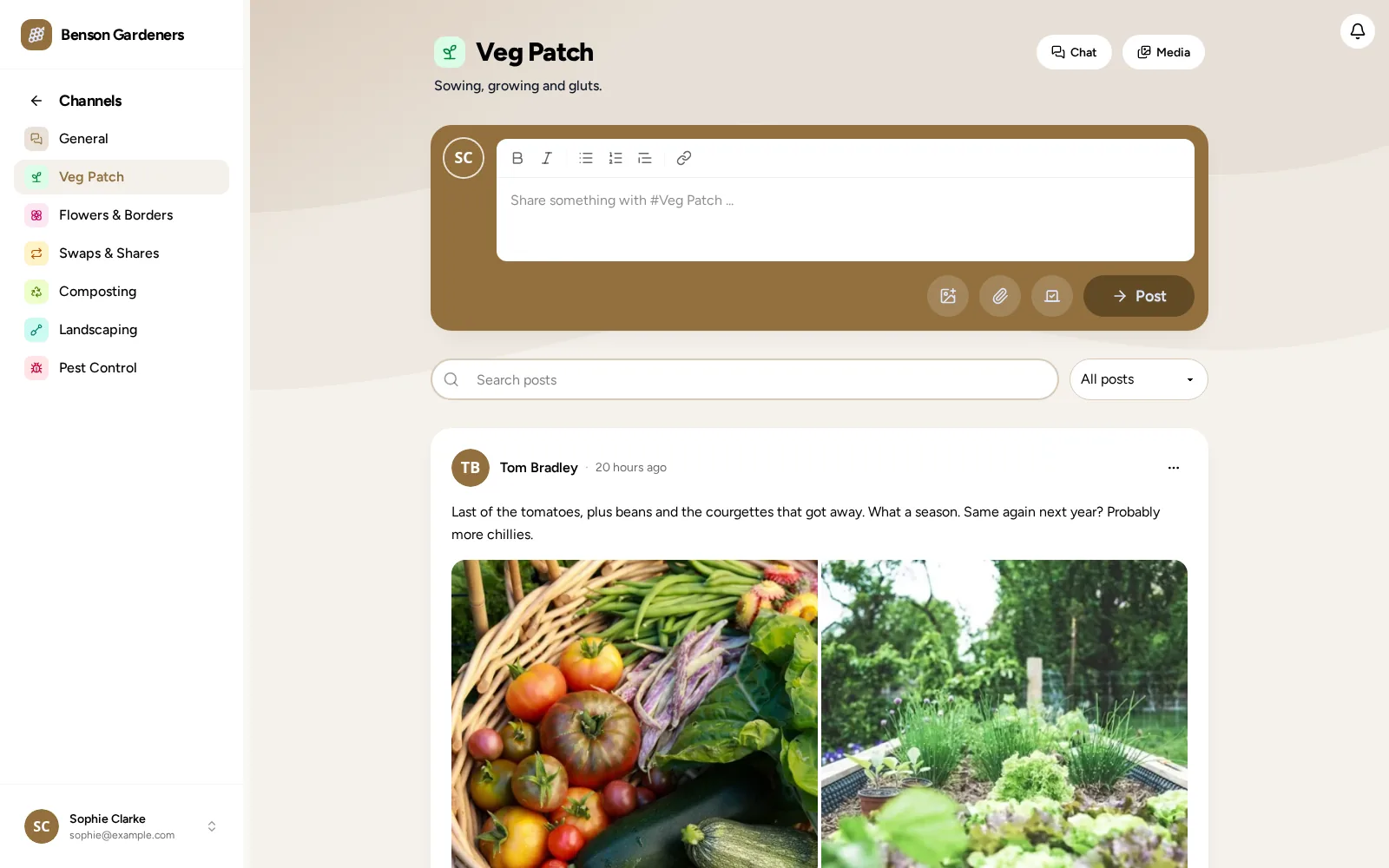
Channels
A room for each topic. Post with photos, files and links, then comment, react and @mention people.
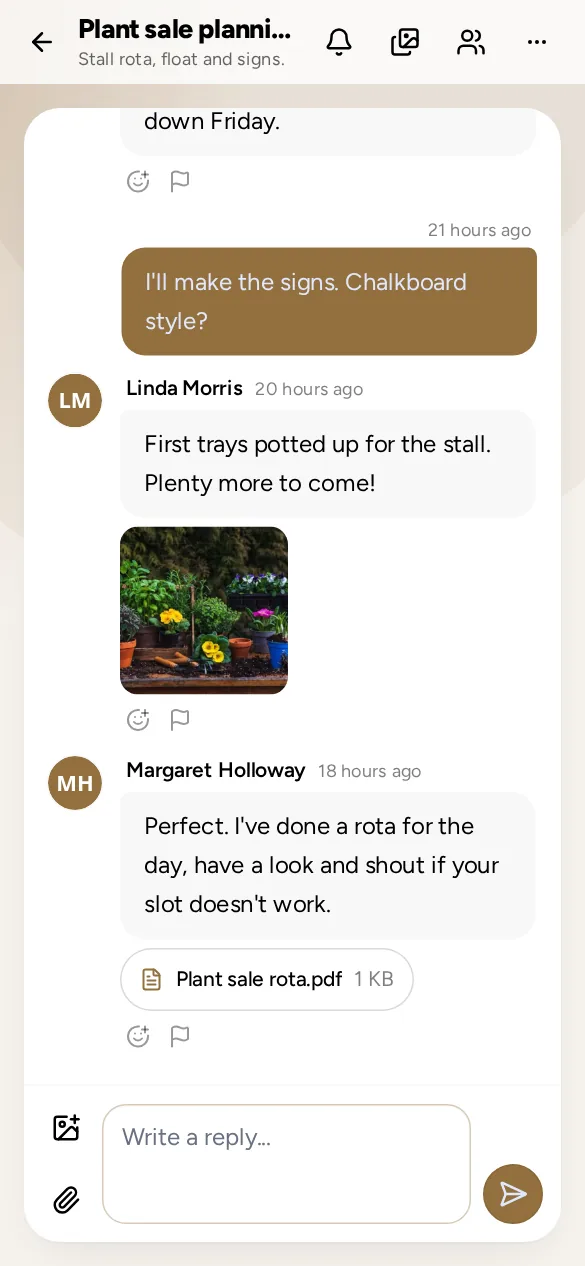
Conversations
Group and one-to-one chats with the people you choose, with photos and files too.
Plan
Get everyone on the same page, without chasing replies in a group chat.
Events
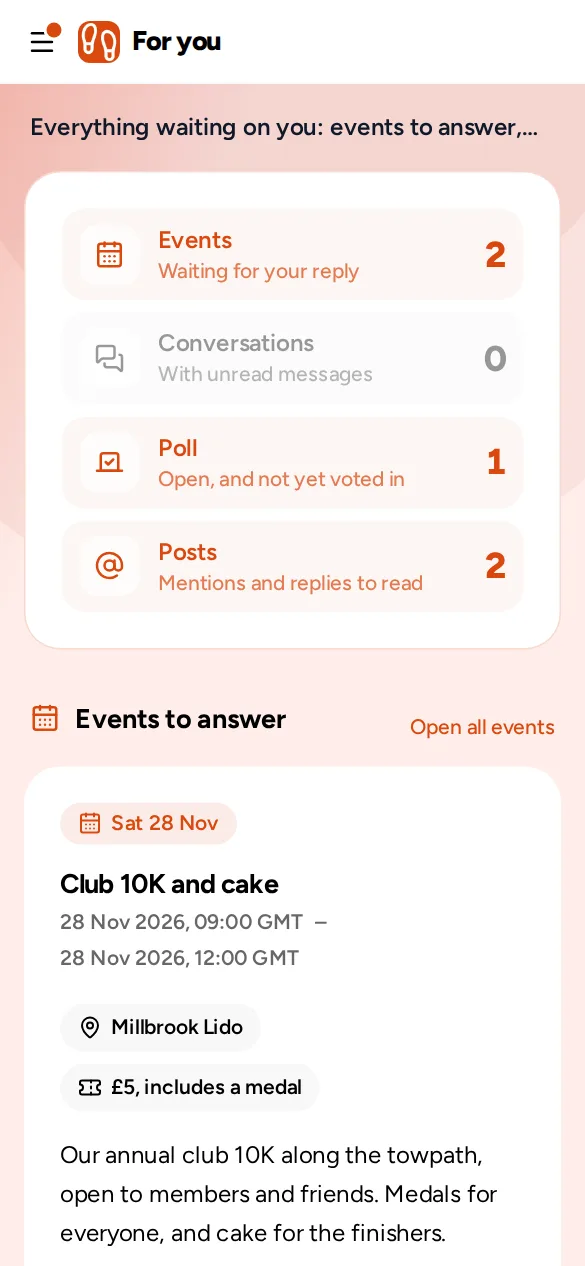
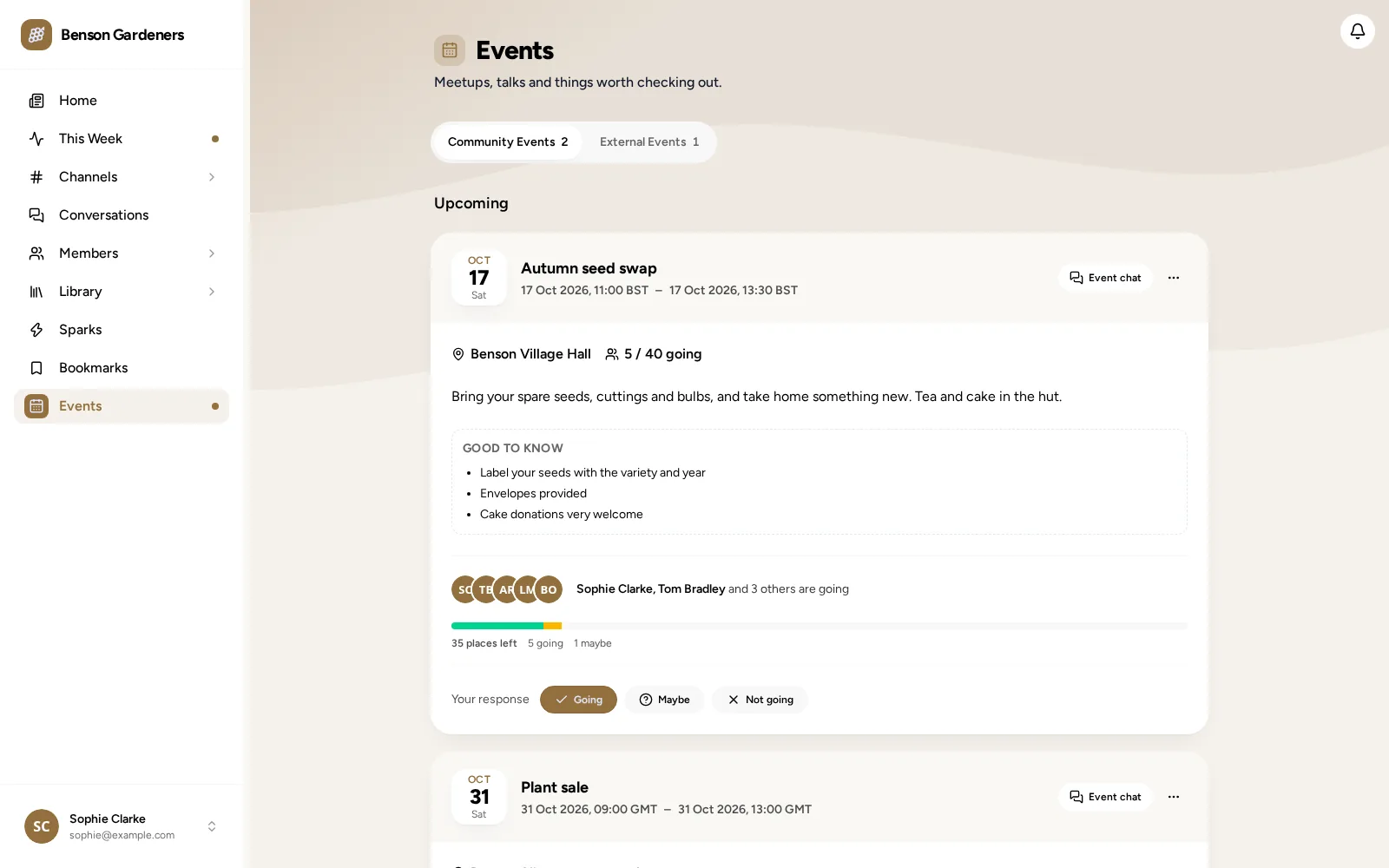
Your own events and ones happening elsewhere, with going, maybe and not going answers.
Polls
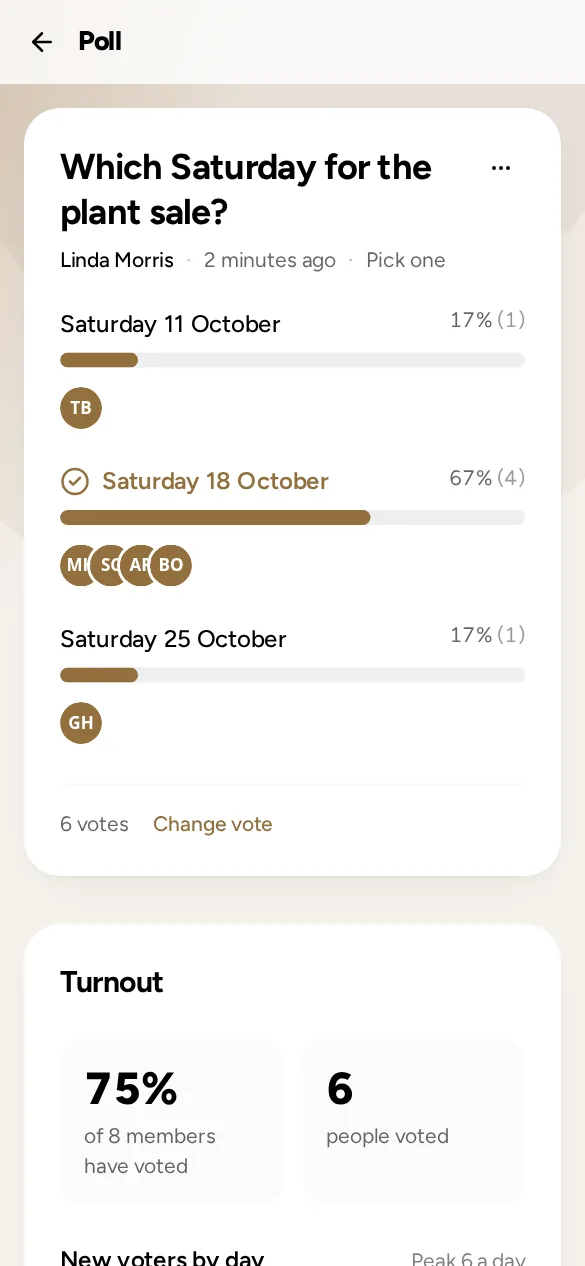
Ask the whole group a question, with one answer or several, and share it in a channel.
This Week
Share up to five things you're working on this week, update them as you go, and cheer each other on.
People
Everyone knows everyone, or soon will.
Members
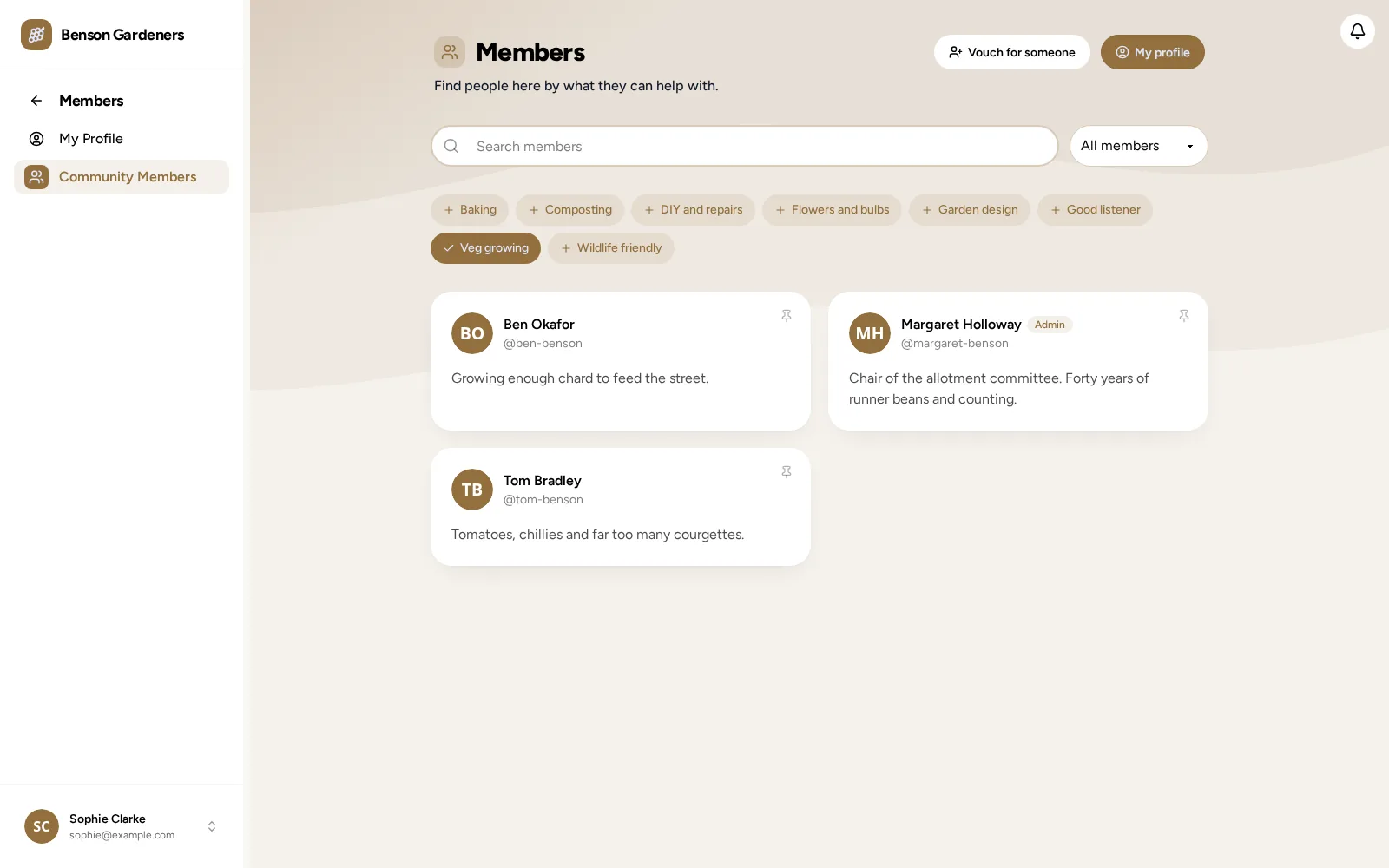
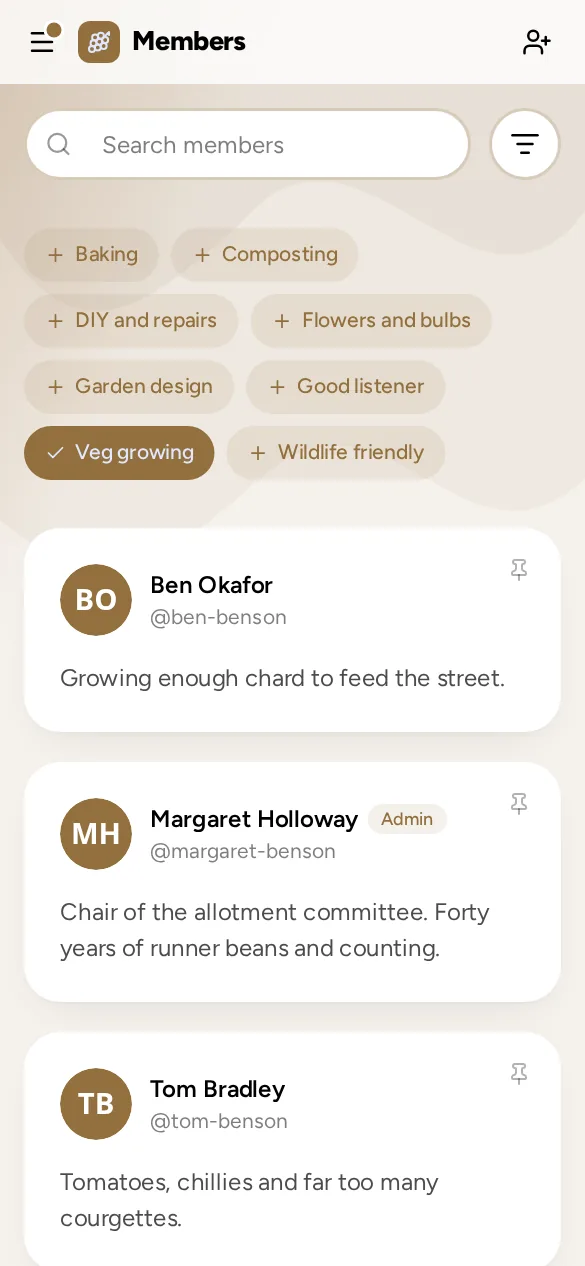
Profiles with a photo, a bit about you, your links and the skills you're happy to help with.
Vouching
Know someone who'd fit right in? Suggest them, and your admins take it from there.
Know-how
Write it down once, and stop answering the same question every week.
Knowledge base
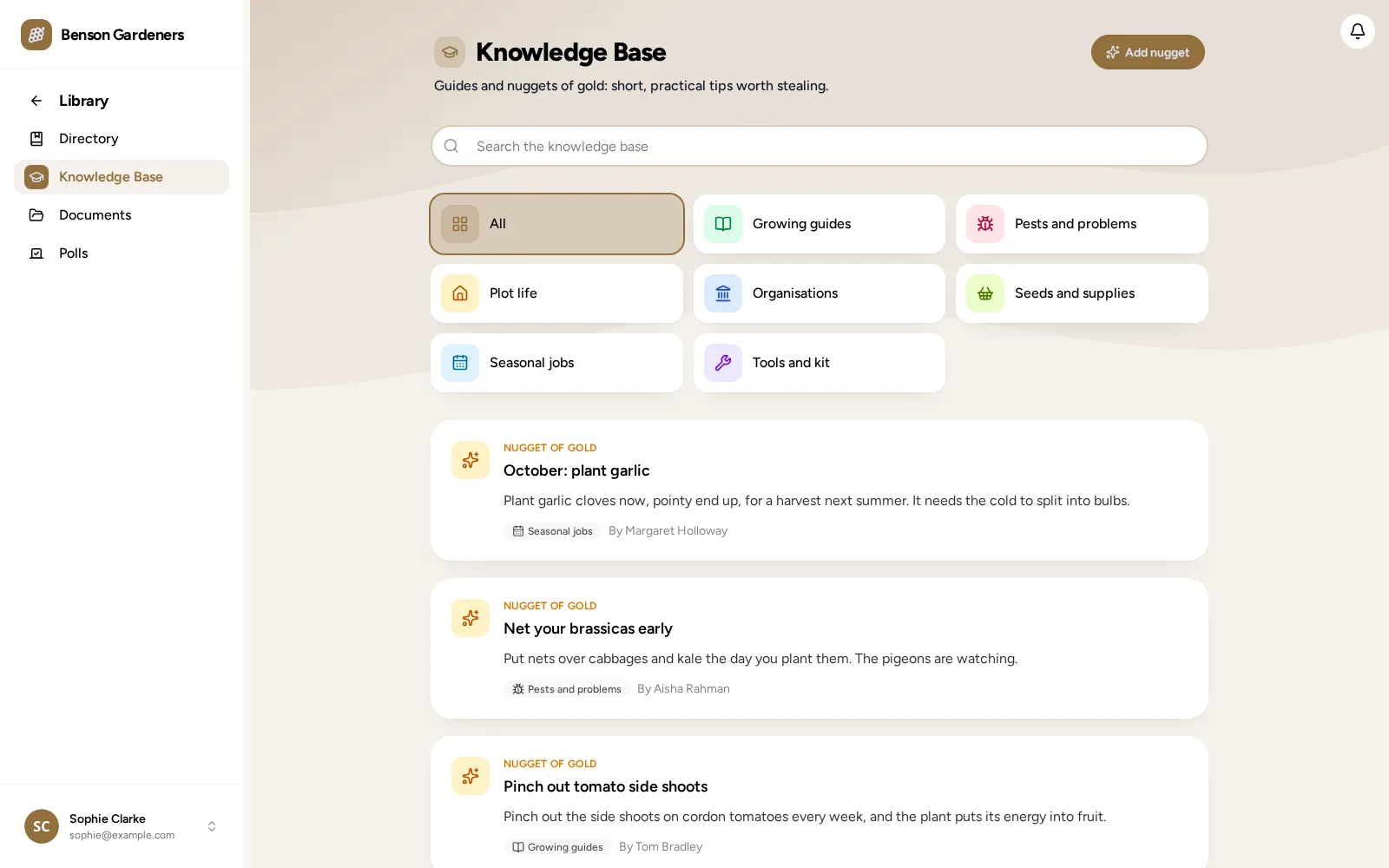
Guides written by your admins, plus short tips that anyone can add.
Documents
A shared file cabinet for guides, forms and printables, organised into folders.
Directory
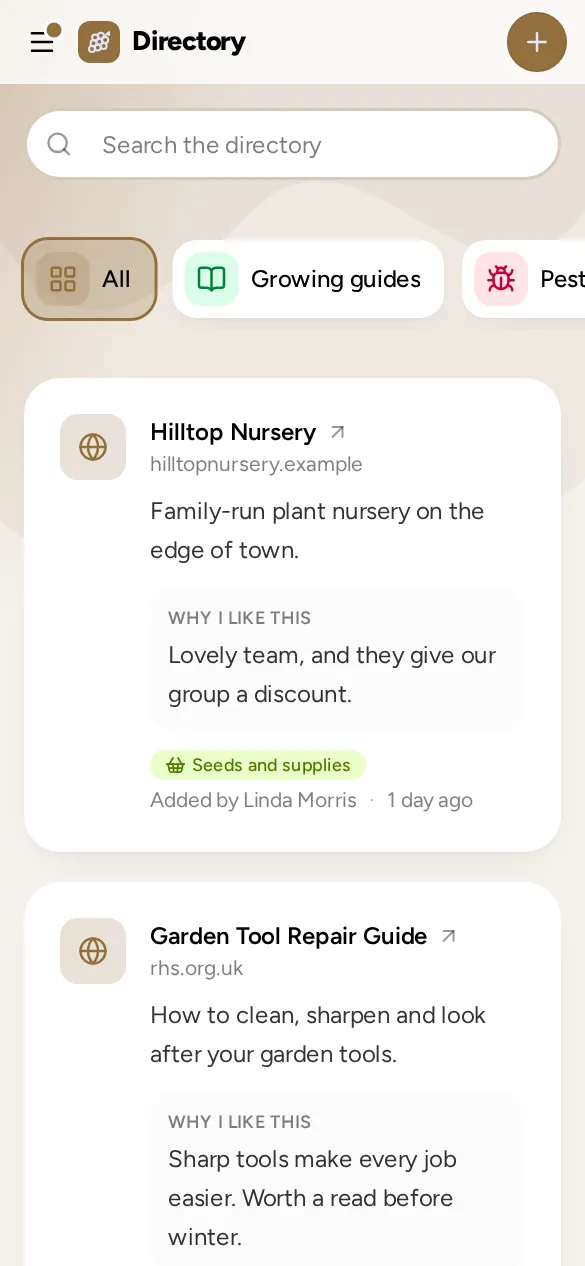
The places, people and things your members swear by. Paste a link and the details fill themselves in.
Bookmarks
Save any post to come back to later. Only you can see what you've saved.
Learn
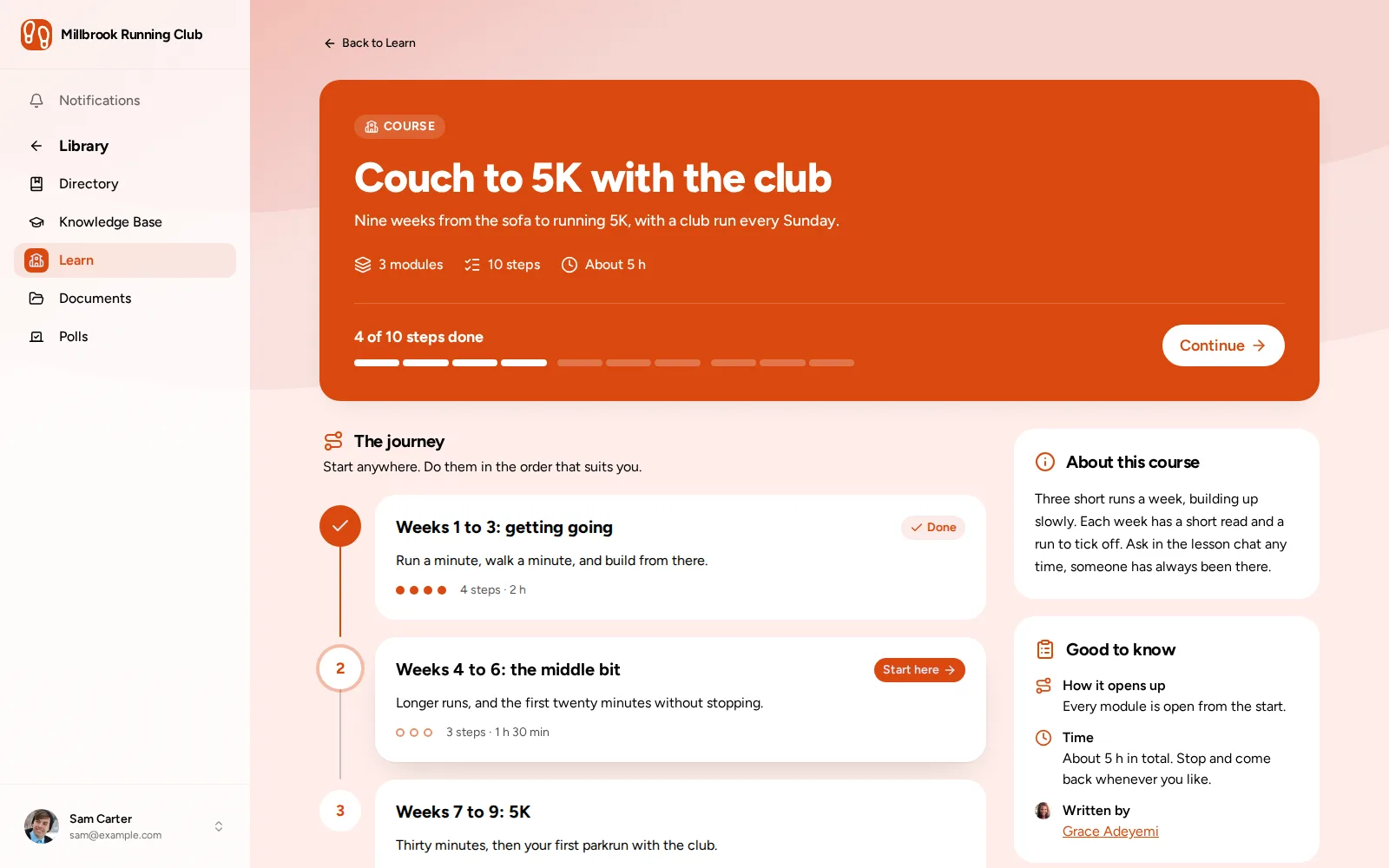
Turn what your group knows into lessons, and see who is getting on with them.
Keep it light
A 6-week 5K plan, a beginner's crochet tutorial, a welcome guide for new members. Break it into short steps and let people work through it at their own pace.
Go properly
Split a course into modules and steps, add quizzes, and choose whether to give a certificate to everyone who finishes. Good for volunteer induction or coaching.
Progress
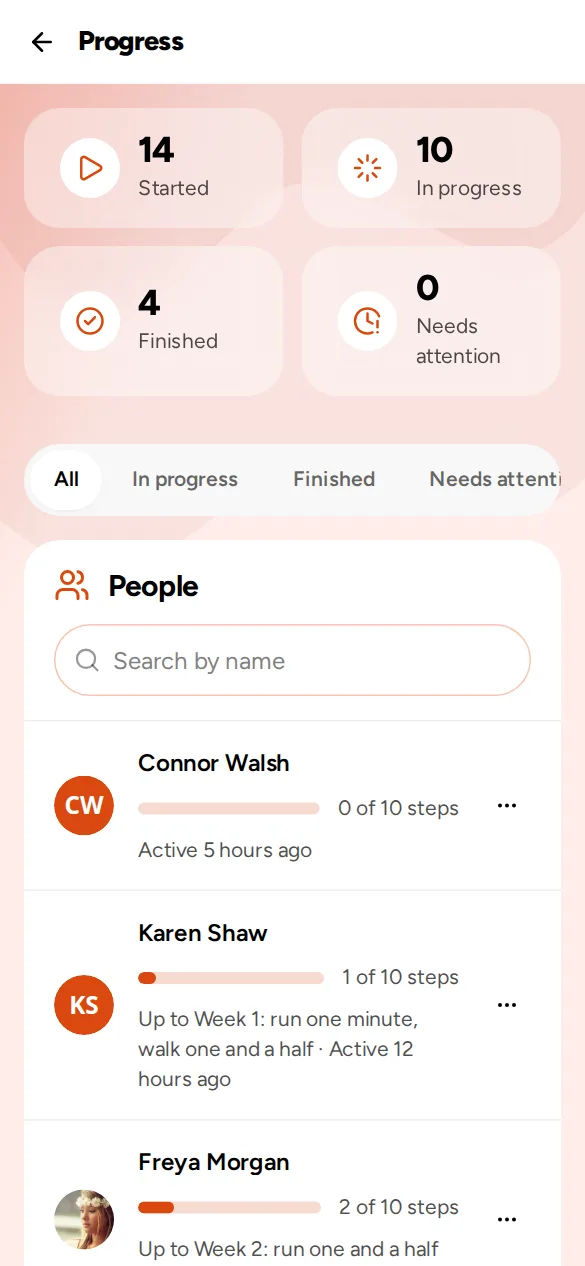
Admins see how everyone is getting on, member by member.
For every member
Some things are just for you, and they stay that way.
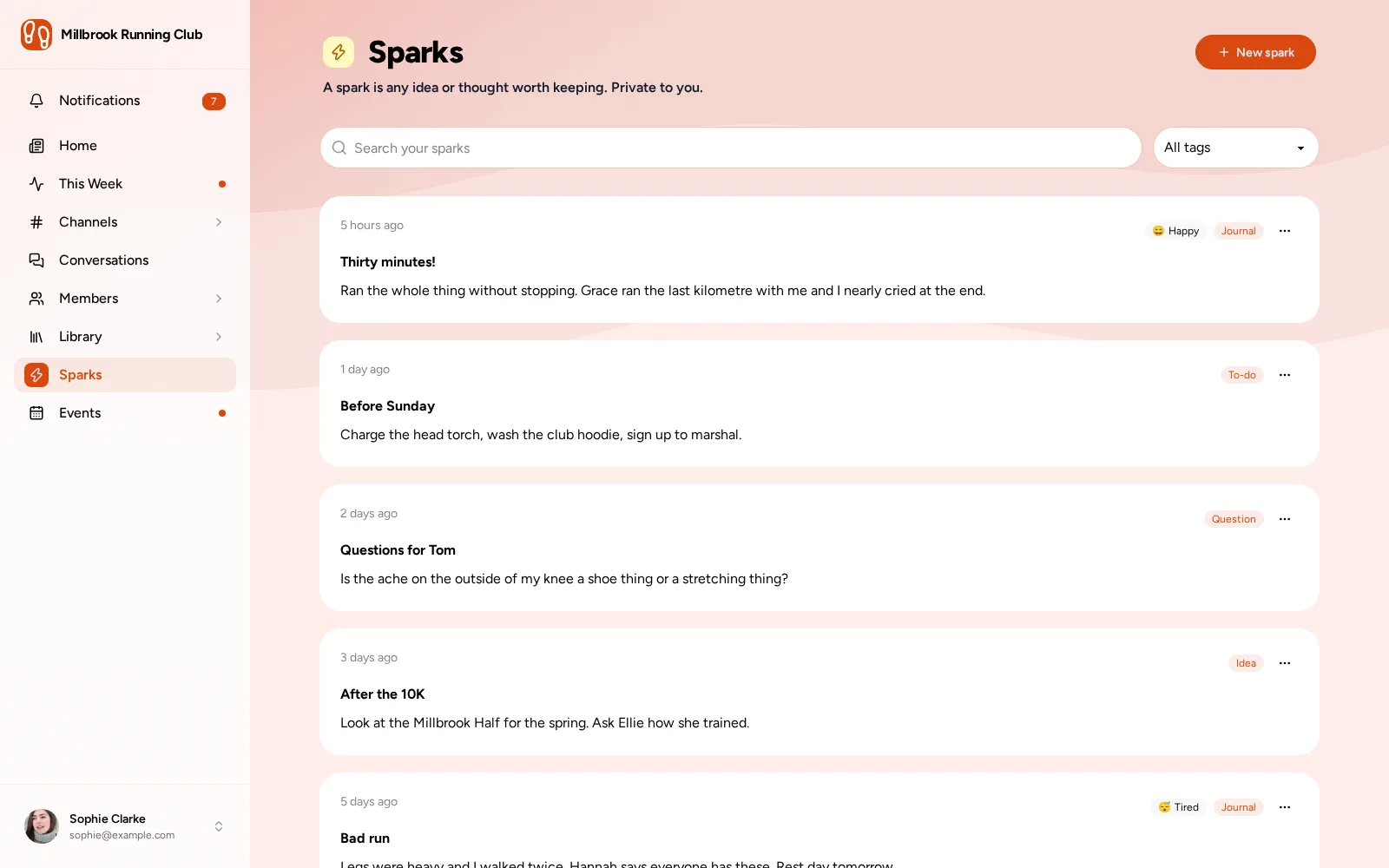
Sparks
A private notebook for ideas, to-dos and quotes.
For you
Everything waiting on you, in one place: events to answer, unread conversations, polls to vote in, and mentions and replies.
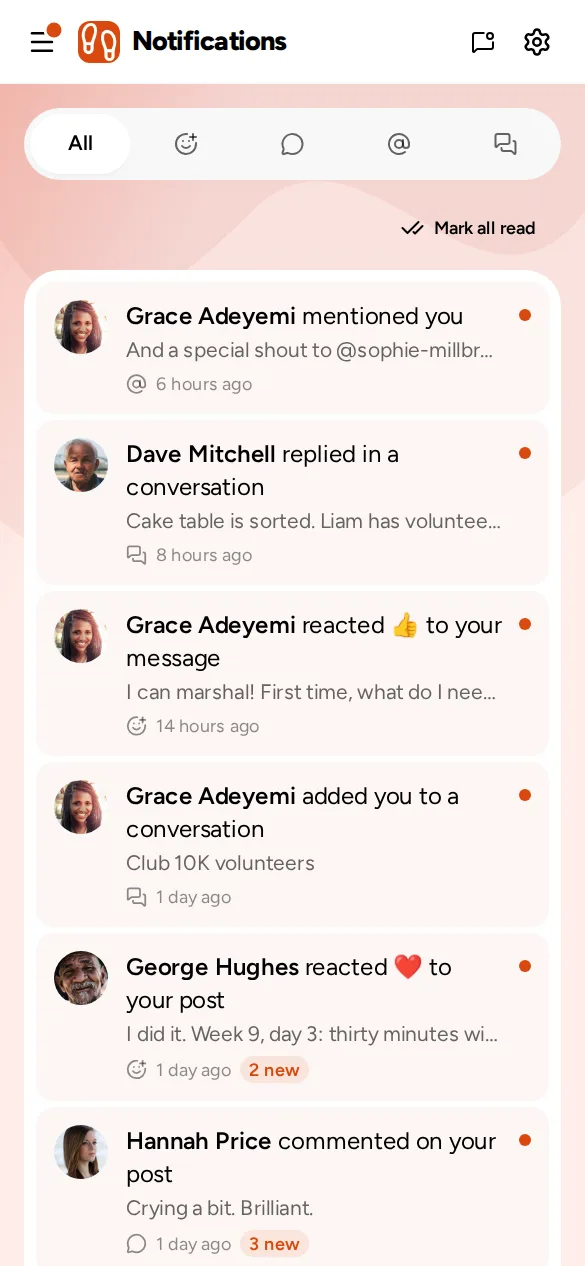
Notifications
Know when someone replies, mentions you or messages you, live while you're on the site.
For admins
Reach everyone when it matters, with calm tools that do the heavy lifting.
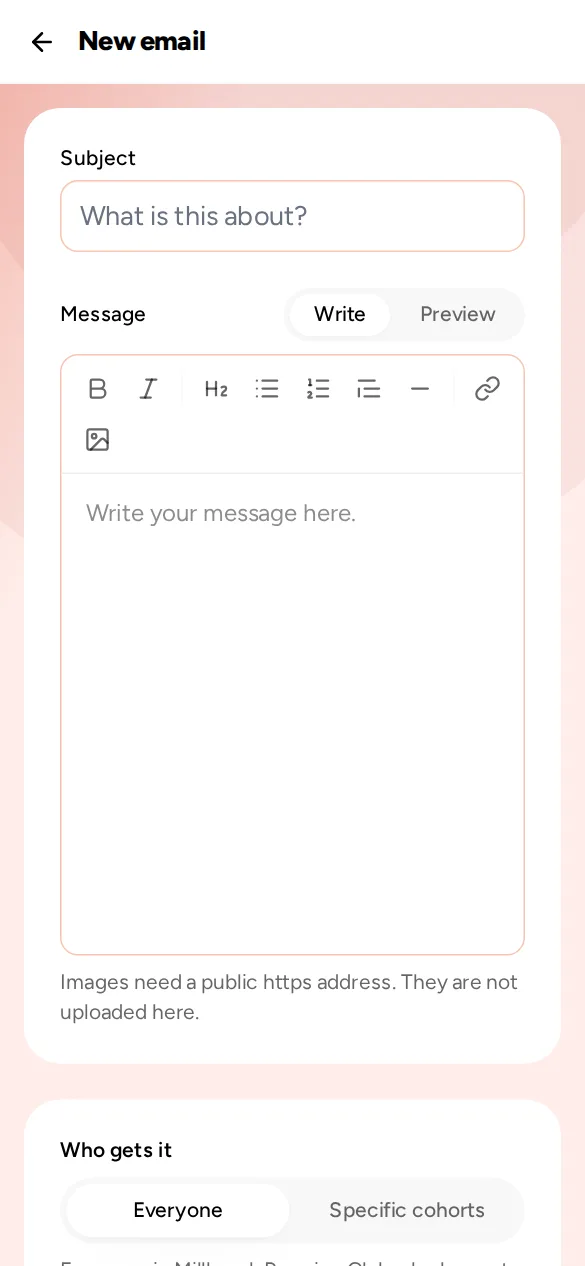
Email your members
Write an email in the same editor you post with, preview it, send yourself a test, then send it straight away or schedule it for later.
Phone notifications
Send a push notification to your members' phones when something can't wait, and see what you have sent before.
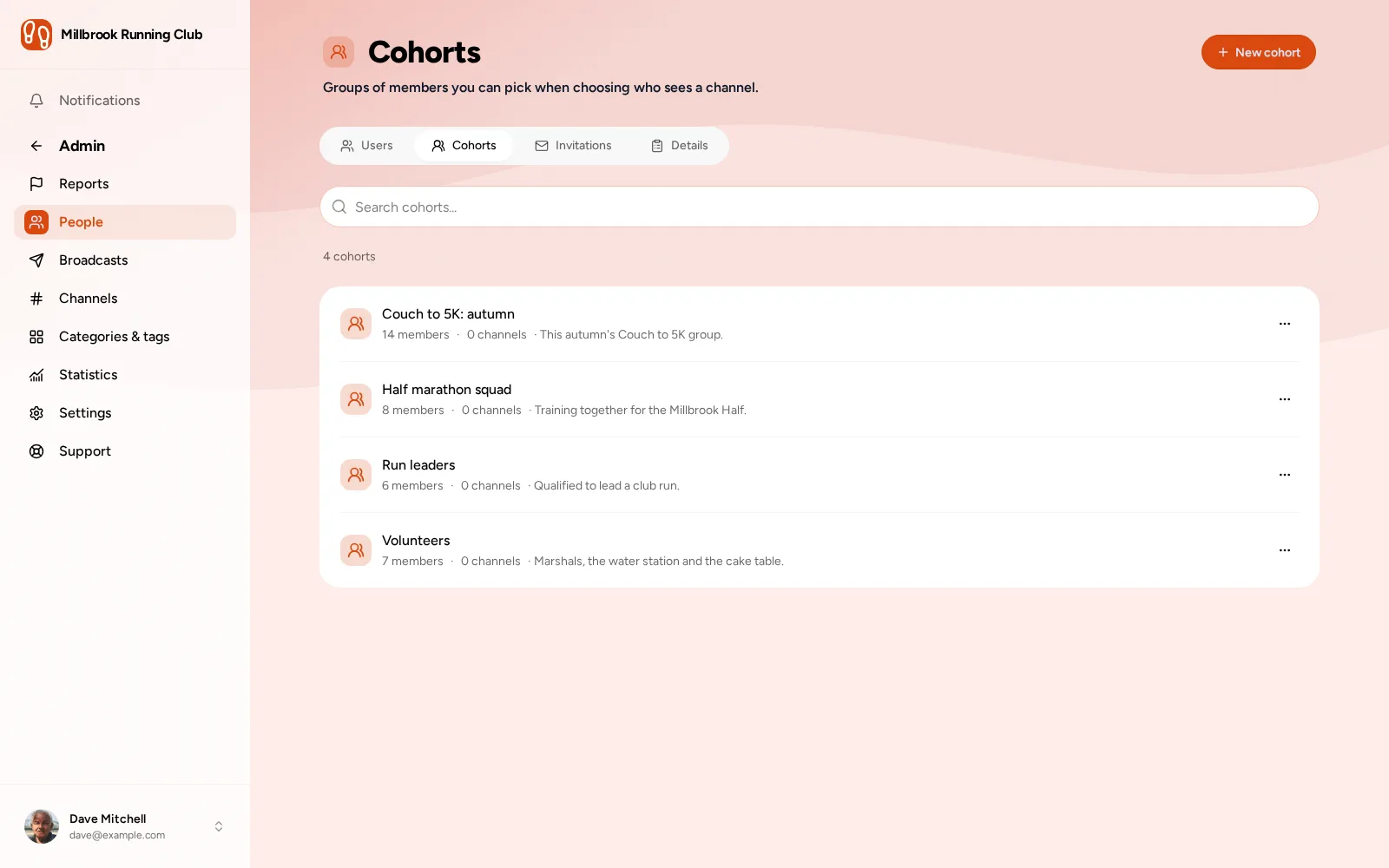
Cohorts
Sort members into named sets, like a year group or a team, then share a channel, event, course or message with just those people.
Switch features off
Only use events and chat? Turn off the rest, and your community stays simple.
Invite only, with calm tools for admins and gentle checks running in the background.
How we keep it safe